


Description
Download Barra de Español – Spanish learning toolbar for Firefox
Overview
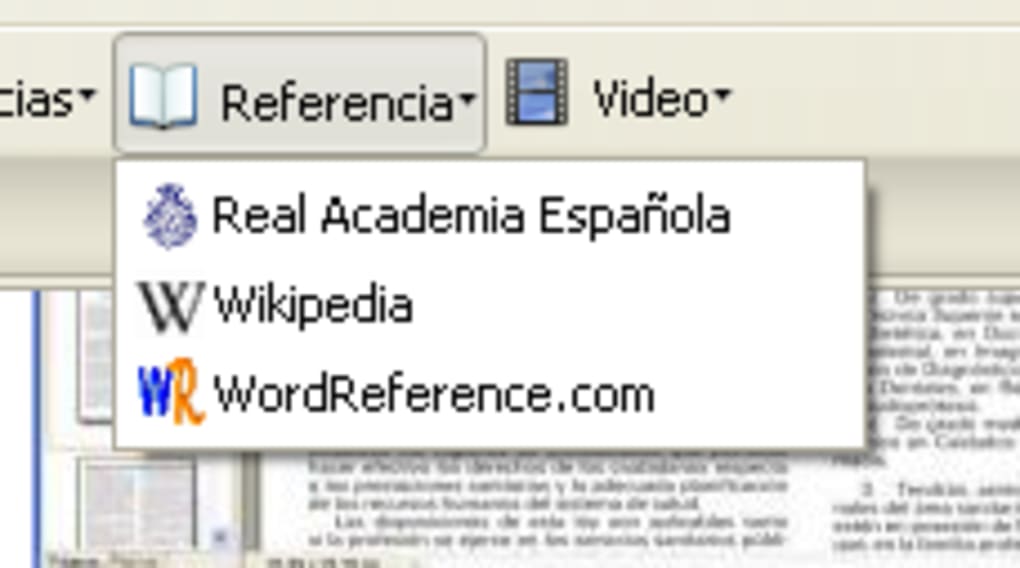
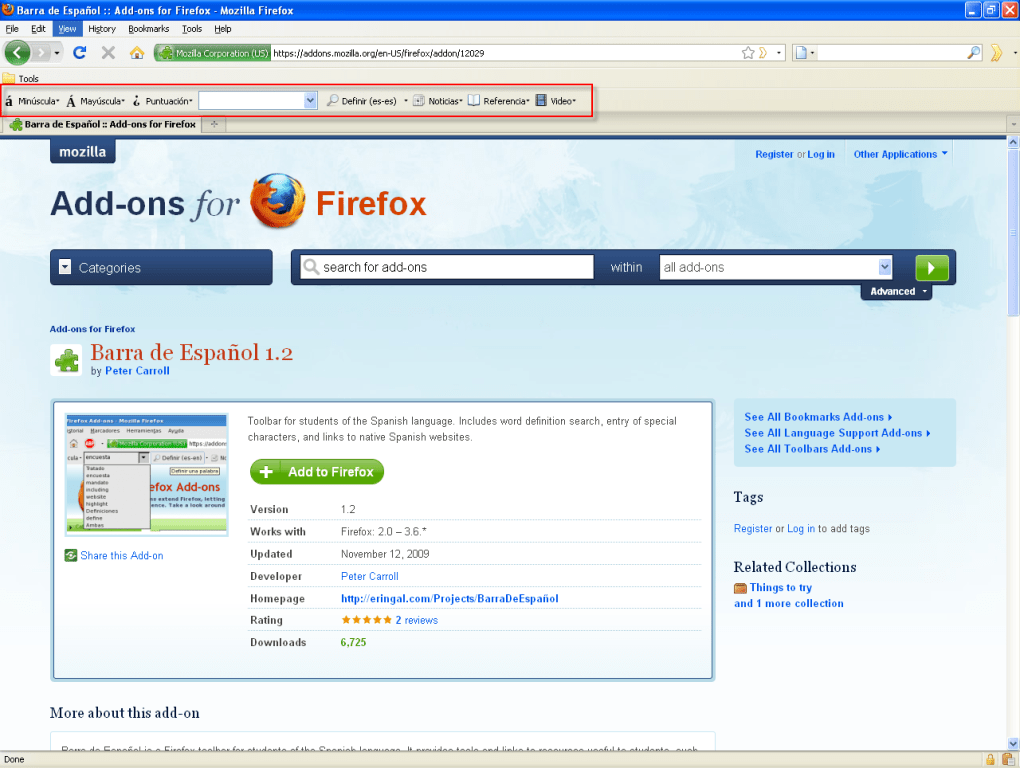
Barra de Español is a lightweight, free Firefox add‑on designed specifically for students who want to immerse themselves in real‑world Spanish while browsing the web. The toolbar lives unobtrusively at the top of your browser and provides instant access to essential language‑learning resources such as WordReference.com, Forvo.com, Spanish‑language news sites, and popular video platforms. By integrating these tools directly into your browsing experience, Barra de Español turns every web page into a mini‑lesson, letting you look up definitions, hear pronunciations, and explore authentic Spanish content without ever leaving the page you’re on.
The add‑on is especially handy for learners who do not have immediate access to a Spanish‑speaking environment. Whether you are reading an English article and want to test your comprehension by switching to a Spanish source, or you encounter an unfamiliar word while watching a video, a single click or right‑click brings the answer to you. The interface is clean, the icons are intuitive, and the toolbar respects Firefox’s performance standards, so you won’t notice any slowdown.
While Barra de Español does not offer deep customization—its dictionary source and news feed are fixed—it compensates with reliability and ease of use. The tool is ideal for serious learners who want a “set‑and‑forget” solution that continuously supplies fresh Spanish material, pronunciation help, and quick lookup capabilities. In short, it’s a practical companion for anyone committed to improving their Spanish through daily exposure.
Key Features
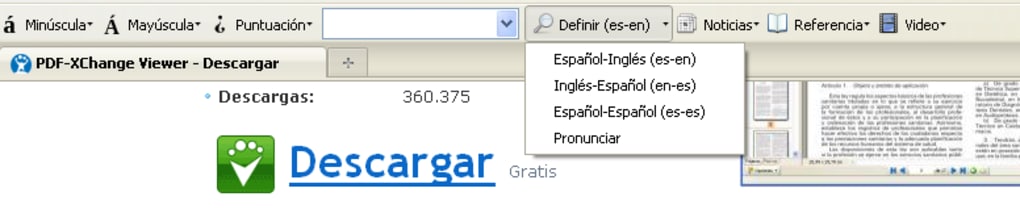
- Instant WordReference lookup: Type a word in the toolbar box or highlight it on any page and click the WordReference icon to open a full definition in a new tab.
- Pronunciation via Forvo: One‑click access to native speaker audio for any Spanish word, helping you perfect your accent.
- Accented character input: Dedicated buttons for á, é, í, ó, ú, ñ, ¿, ¡ and shortcuts to insert them without leaving the keyboard.
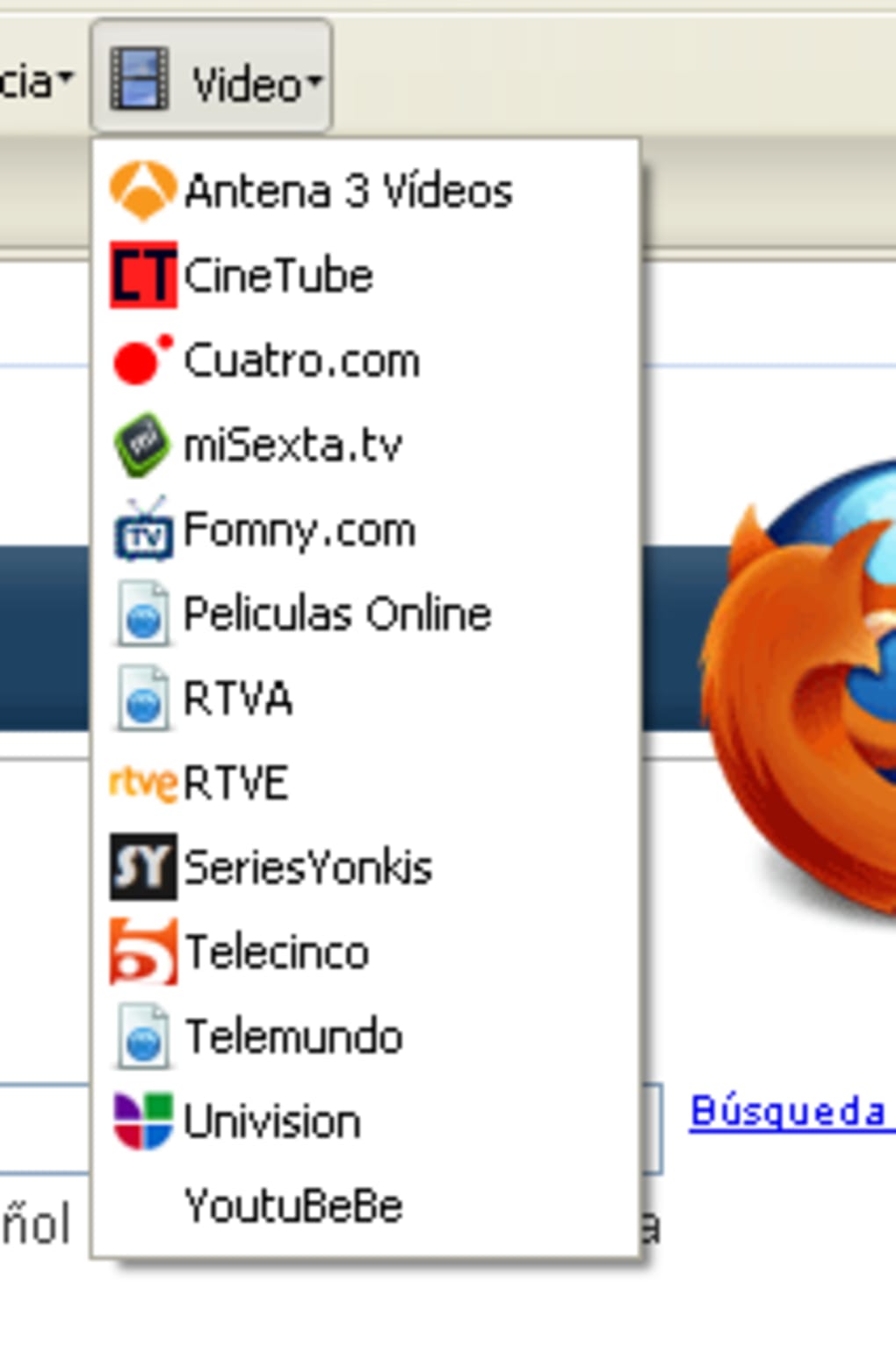
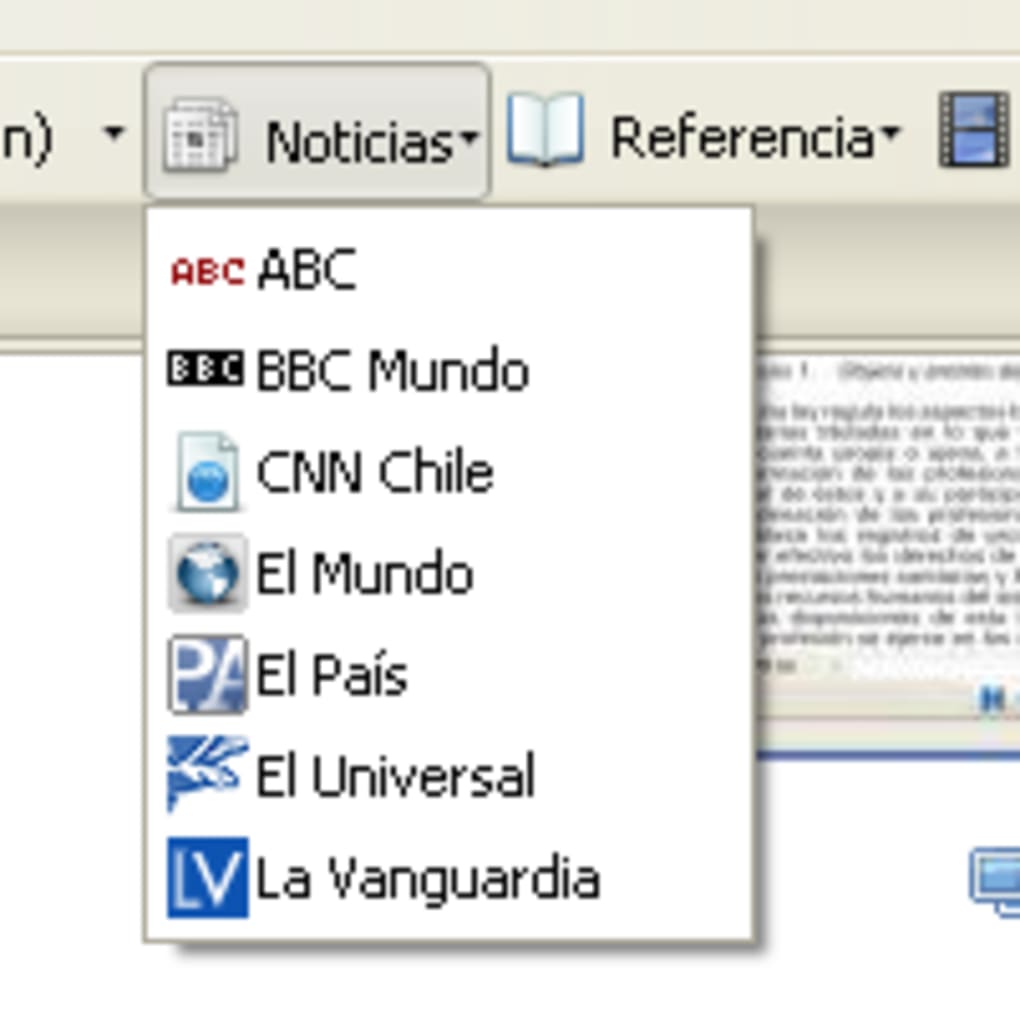
- Curated Spanish media: Quick links to Spanish news portals, YouTube channels, and streaming sites, refreshed regularly to keep content fresh.
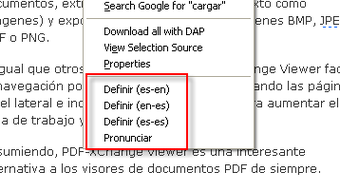
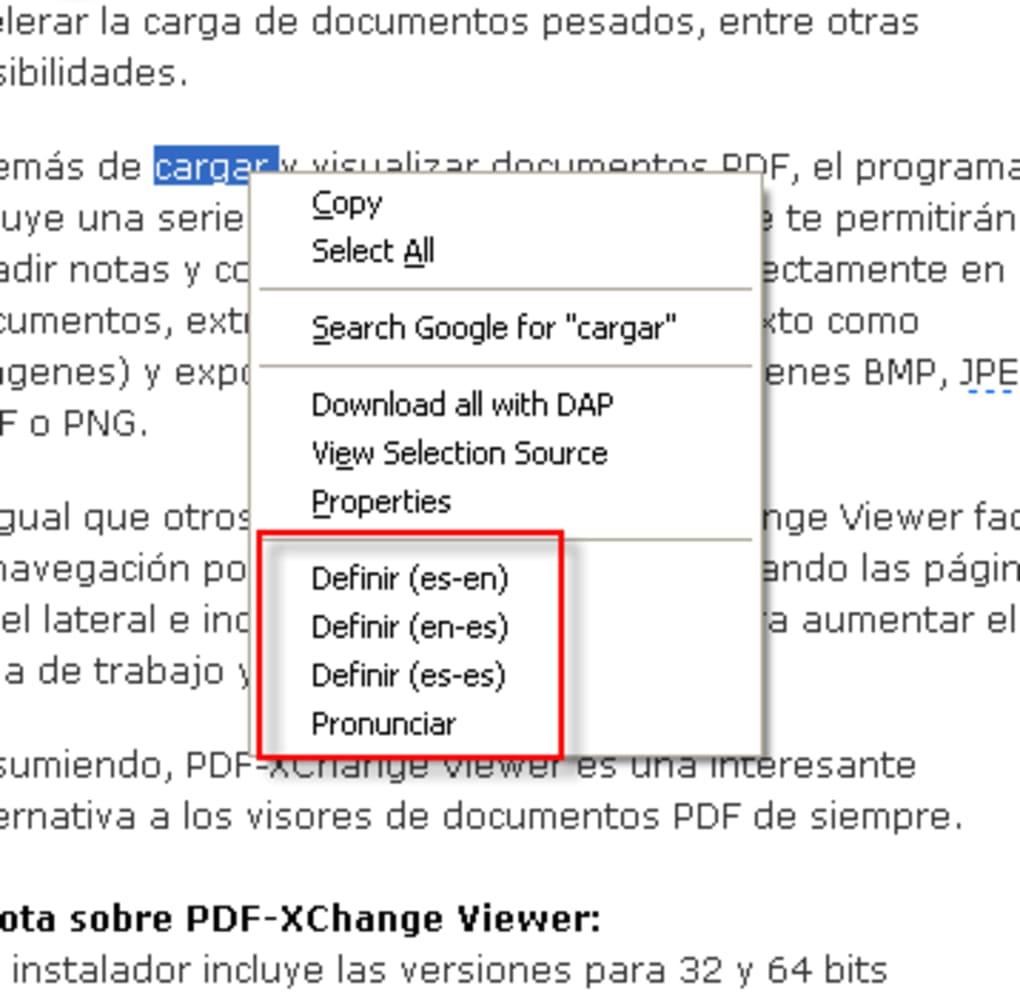
- Context‑menu integration: Right‑click any highlighted term to launch a lookup or pronunciation request without opening the toolbar.
- Lightweight design: Minimal impact on browser performance; the toolbar loads in under a second.
- Free and secure: No hidden fees, no data tracking—just a straightforward educational aid.
These features collectively transform everyday browsing into an active language‑learning session. Because the add‑on works directly within Firefox, you never need to copy‑paste words into external sites; the workflow stays smooth and uninterrupted. Even if you’re using a non‑Spanish keyboard layout, the built‑in accented character buttons ensure you can type correctly, which is essential for accurate searches and practice.
Although the feature set is intentionally simple, it covers the core needs of a language learner: definition, pronunciation, and exposure to authentic content. Users have reported that the constant, low‑effort exposure dramatically improves vocabulary retention and listening skills, making Barra de Español a valuable supplement to formal study materials.
Installation, Compatibility & Usage Instructions
Installation steps:
- Open Firefox and navigate to the official Barra de Español add‑on page.
- Click the “Add to Firefox” button and confirm the permission prompt.
- Firefox will download and automatically install the toolbar. Once installed, a small Spanish flag icon appears at the top of the browser window.
- Restart Firefox (if prompted) to ensure the toolbar loads correctly.
Compatibility: The add‑on is built for the desktop version of Firefox on Windows, macOS, and Linux. It requires Firefox version 78 or newer. Mobile versions of Firefox do not support this toolbar, but the underlying services (WordReference, Forvo) remain accessible via their respective apps.
How to use:
- Quick lookup: Highlight any Spanish word on a web page, right‑click, and select “Search WordReference” or “Hear pronunciation on Forvo.” A new tab opens with the result.
- Toolbar search: Click the text field on the Barra de Español toolbar, type a word (including accents if needed), and press Enter. Choose the desired service icon to view the definition or audio.
- Access Spanish media: Click the “News” or “Videos” icons on the toolbar to open a curated list of Spanish news sites or YouTube channels in a new tab.
- Insert accents: Use the accent buttons on the toolbar or press Ctrl+Alt+letter (e.g., Ctrl+Alt+A for á) to type characters directly into forms, search boxes, or documents.
Because Barra de Español does not store personal data, you can safely use it on public or shared computers. The toolbar updates automatically via Firefox’s add‑on manager, ensuring you always have the latest bug fixes and content links. If you encounter any issues, the “Help” link in the toolbar opens a troubleshooting page with common solutions.
Pros, Cons & Frequently Asked Questions
Pros
- Free and secure, with no hidden fees.
- Instant access to reliable dictionaries and pronunciation tools.
- Encourages daily exposure to authentic Spanish content.
- Simple, unobtrusive UI that doesn’t slow down Firefox.
- Accented character buttons eliminate the need for external keyboards.
Cons
- No customization options for dictionary source or news feed.
- Only available for desktop Firefox; not supported on mobile.
- Relies on external websites (WordReference, Forvo) for content.
- Limited to Spanish; no multilingual support.
FAQ
Is Barra de Español completely free?
Yes, the toolbar is 100 % free to download and use. There are no subscription fees or in‑app purchases.
Which operating systems are supported?
Barra de Español works on Windows, macOS, and Linux as long as you are using the desktop version of Firefox (version 78 or newer).
Can I change the default news sources?
The current version does not offer configuration options for the news feed. The list is curated by the developer and updates automatically.
How does the toolbar handle accented characters?
A set of dedicated buttons on the toolbar lets you insert á, é, í, ó, ú, ñ, ¿, ¡ with a single click. Keyboard shortcuts (Ctrl + Alt + letter) are also supported.
Will my browsing data be tracked?
No. Barra de Español does not collect personal browsing data. All lookups are performed on the external sites (WordReference, Forvo) directly.
Conclusion & Call to Action
Barra de Español fills a niche that many language‑learning apps overlook: seamless integration of reference tools into everyday web browsing. Its free, secure, and lightweight design makes it an ideal companion for students who want to practice Spanish without interrupting their normal online activities. While the lack of customization may deter power users, the reliability of its core features—instant dictionary lookup, native‑speaker pronunciation, and direct access to Spanish media—delivers consistent value. If you’re serious about expanding your Spanish vocabulary and improving listening skills, adding this toolbar to Firefox is a smart, low‑effort step.
Ready to turn every web page into a language lesson? Download Barra de Español now and start immersing yourself in authentic Spanish content today. Your next breakthrough in fluency could be just a click away.
Overall Rating: 4.5/5
Pros: Free, fast lookup, pronunciation, accented input.
Cons: No customization, desktop‑only.
Guides & Tutorials for Barra de Español
How to install Barra de Español
- Click the Preview / Download button above.
- Once redirected, accept the terms and click Install.
- Wait for the Barra de Español download to finish on your device.
How to use Barra de Español
This software is primarily used for its core features described above. Open the app after installation to explore its capabilities.
User Reviews for Barra de Español 0
No reviews found





